
Convert audio into highly accurate, time-coded transcripts, and leverage AI to generate summaries or detect key scenes using the Limecraft Transcription application. Limecraft utilises industry-leading technology to power its transcription, translation, and summarisation services.
Please read this article to understand the essential prerequisites for using these features.
Limecraft Subscription
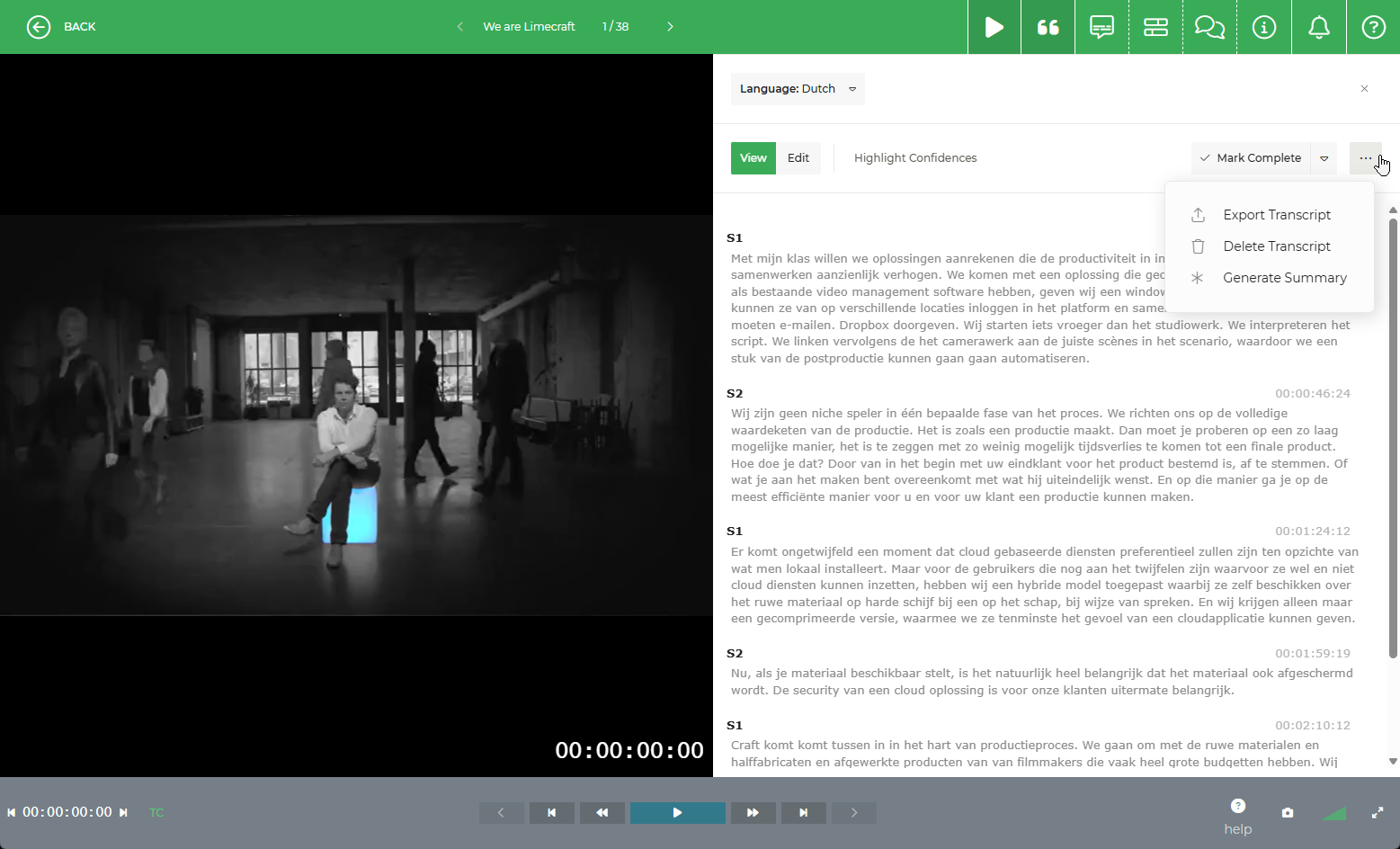
Before you can access transcription, translation, or summarisation services, you must have an active Limecraft subscription. You need to either be a member of a Limecraft Workspace (by invitation) or be registered for at least a 'Pay as you Go' plan.
Please note: Automatic transcription and translation are paid features and require a valid subscription plan.
Upload Media
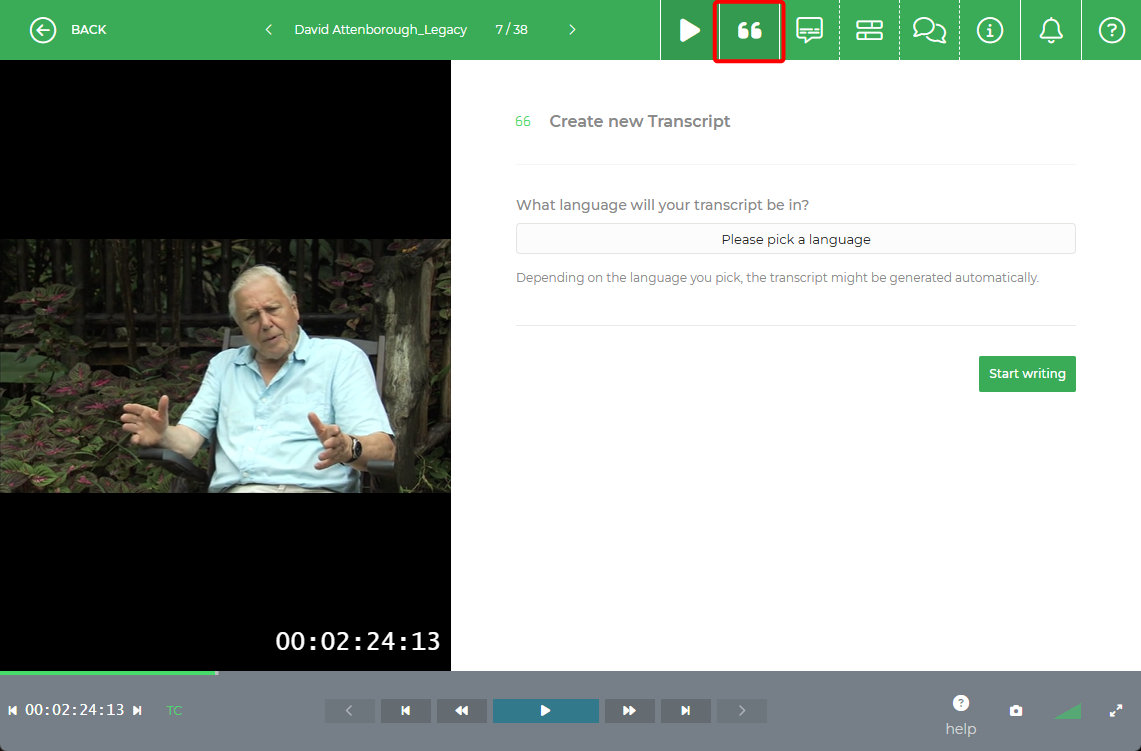
To begin, upload your video or audio file. Once the upload is complete, the transcription option will become available within the Clip Actions menu. You have the option to use AI-generated transcription, align an existing transcript, or use manual transcription to type text in sync with the audio.
Prerequisites for Translation and Summarisation
Because translation and summarisation are text-based features, a transcript or subtitle file must be present before these advanced tools can be used.
Transcription: Required to generate summaries or translated text.
Subtitles: If you wish to localise your own subtitle files using Limecraft Translation, you can do so directly within the Subtitle Editor. In this case, no prior transcription of the media is required, as the AI uses the text already present in your subtitle file.