
Limecraft Edge is designed to streamline the offloading process, enabling fast, reliable media transfer directly from the location or at a post-production facility. It simplifies managing large video files and metadata, making your workflow more efficient and less prone to errors.
When working with Edge in environments with a poor or unstable network connection, we strongly recommend using Offline mode to ensure a smooth offload process.
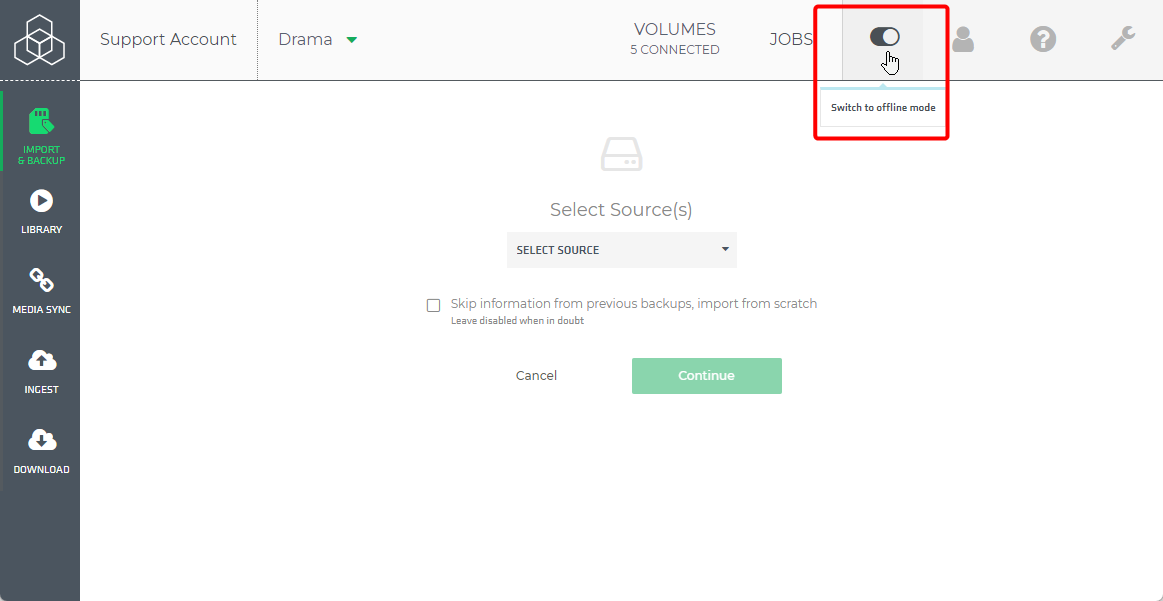
Why use Offline Mode?
During offloading, Edge normally attempts to perform the following actions:
- Send the manifest to Flow?
- Create the Cards overview in Flow.
These steps require a stable network connection. If the connection is weak or unreliable, the offload process may be interrupted or fail.
How Offline Mode Helps?
- A network connection is only required for logging in.
- Once logged in, you can continue working fully offline.
- Edge will automatically complete any pending online steps (such as sending the manifest or creating Cards in Flow) once a stable connection is restored.
Using Offline mode helps prevent issues caused by poor connectivity and ensures that offloading can continue reliably in the field.